How to copy a CD+G disc
How to copy a CD+G disc with Power CD+G Burner
- Select Copy tab.
- Select source drive in Reader device combo.
- Select destination drive in Burner device combo (source and destination can be the same drive, you will be asked to replace source CD with a blank one)
- Insert CD+G disc to copy and click Refresh button.
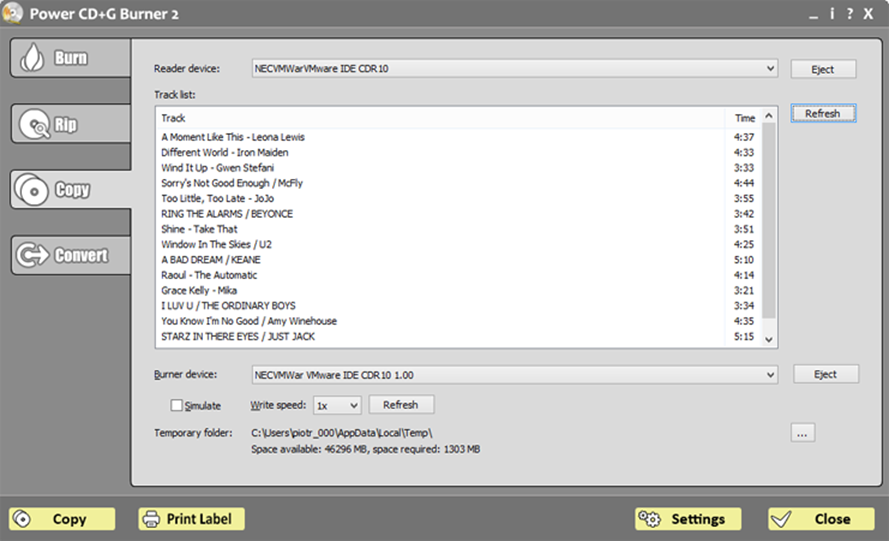 Track list should appear
- Make sure that there is enough disc space in temporary folder. If not, make some space or select a folder from a different drive.
- You are ready to go -- click Copy.
- Power CD+G Burner will now read tracks from a CD+G disc. This may take a while.
- After reading phase is complete you will be asked to insert blank CD into destination drive.
- Now Power CD+G Burner will create image file and burn a copy of CD+G disc. If burning phase is causing problems please see Troubleshooting.